Take a Photo
Guided camera with
live framing
×9:41✣
 Keep your face in the oval
ϟ↻

ID & Visa Photos for Popular Documents
Guided camera with
live framing
Keep your face in the ovalReview the suggested crop
and check your photo against
the official requirements
Final acceptance is decided by the issuing authority
Get digital files or
print at home or nearby
Fast & EasyProfessional results
in minutes
Guided ChecksBuilt around official
photo rules
Multiple CountriesUS, UK, Canada, EU
and more
PrivateEncrypted, temporary
photo processing
Select your document and take a photo or upload one.
🔒 Photos deleted automatically · No account required
Official photo requirements · U.S. Department of State
PassportPhoto99 is independent and not affiliated with any government agency. Always check the official rules before you apply.
Free watermarked preview · Clean files $0.99 · No account needed
Replacement keeps the subject from your photo. Review hair and clothing edges, and choose Original background to restore it. Official photo requirements
For this passport, keep the original background. United States requires the original photo against plain white or off-white.

1 Capture — 2 Review — 3 Download & print
Choose 2 or 4 copies, a 4 × 6 sheet, or an A4 / U.S. Letter layout with cutting guides.
No account is required for personal orders. You only pay when you choose the final high-resolution files.
Select the issuing country and document type.
Use the full-screen head-and-shoulder guide or upload an existing photo. Review the suggested crop and adjust it if needed.
Download the JPEG, receive it by email, or print 2, 4 and multiple copies on an A4 sheet.
Choose a supported country and follow its linked issuing-authority guidance. Requirements can differ between printed and online applications.
Background, expression, glasses, head coverings, age allowances and application-specific guidance.
Country-specific print dimensions and framing guidance. Check the authority’s separate digital submission requirements.
Official authority links are provided so you can check the current requirements before submitting your photo.
Start with a document type, then use the same secure camera and upload workflow.
Prepare a square U.S. passport photo from your phone or an existing image, then review the crop before download.
Create a high-resolution digital passport-photo file with guided capture, automatic centering and a reviewable crop.
Use the same U.S. passport dimensions with a calmer, simpler workflow for preparing an infant or young child photo.
Prepare a square 2×2-inch identity-photo file and a 4×6 print-shop sheet from one image.
Prepare a UK passport-photo crop with the correct print dimensions and linked HM Passport Office guidance.
Create a Canadian passport-photo crop using the supported print dimensions and official-source guidance.
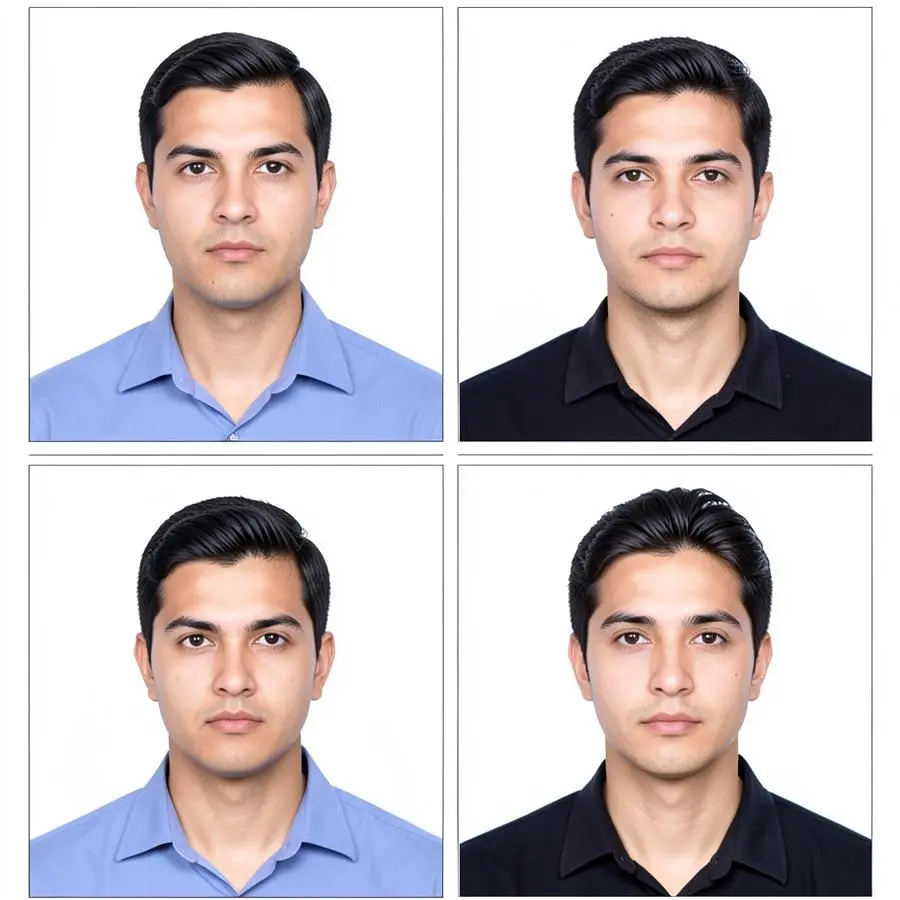 Examples only — always follow the selected authority’s current rules.
Before you capture, compare your setup with these practical checks. The issuing authority makes the final acceptance decision.
Give each employee a secure login while company administrators manage locations, branding, usage and billing from one place.
Download the correct sheet first, then upload it to your chosen provider. Partner prices, availability and delivery times are set by that provider.

Order standard photo prints from participating locations.

Upload a photo sheet for same-day pickup where available.

Order photo prints for home delivery or eligible store pickup.

Order photo prints online with pickup at participating stores.
Affiliate disclosure: Some outbound links may be affiliate links. PassportPhoto99 may receive a commission if you place an order, at no additional cost to you. These providers are independent and do not determine whether a passport photo will be accepted.
No. The service prepares and checks photos against the selected authority’s published requirements. The issuing authority always makes the final decision.
No. Identity photos should remain a true likeness. The app does not reshape faces, smooth skin, add makeup or change identity features.
Photos are processed in encrypted temporary storage and automatically deleted after the stated retention period. Customers can also request immediate deletion.
Yes. Company administrators can create locations and assign individually licensed employees. Enterprise and white-label options can be configured for larger chains.
Use the mobile-ready website today. Native iPhone and Android listings will link here as soon as store approval is complete.
